
Sign in to ASM
Open the ASM admin to manage your shipping. On Shopify and BigCommerce you usually don't need a password at all: opening ASM from your store signs you in.
Shopify and BigCommerce: open ASM from your store
- Shopify: in your Shopify admin, open Apps, then Advanced Shipping Manager.
- BigCommerce: in your BigCommerce admin, open the Advanced Shipping Manager app.
ASM signs you in automatically. You only need a username and password to open ASM directly in a browser tab, for example if your browser has trouble inside the store admin. See I sign in and land back on the sign-in page.
Sign in with your username and password
- Go to
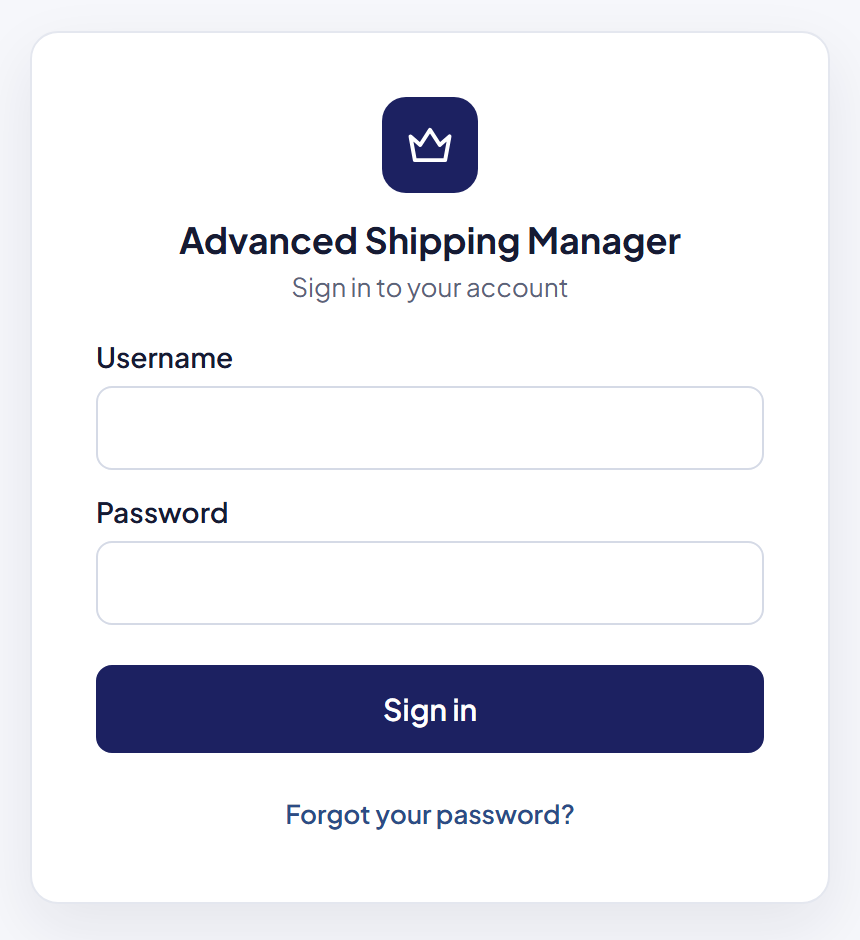
https://www.advancedshippingmanager.com/clients/admin. - Enter your Username and Password.
- Select Sign in.
Where to find your username and password
They're in the email you got when you installed ASM, titled Thank you for implementing Advanced Shipping Manager. For Shopify stores the username is your store ID: the part of your store address before .myshopify.com.
- Forgot your password? Select Forgot your password? on the sign-in page. See Reset a forgotten password.
- Forgot your username? Call us at 1-888-546-4932. For your security, we can't send usernames by email.
Messages you might see
- "Please enter your username and password." — one of the fields is empty.
- "Login failed. Please check your username and password." — the username or password is wrong. Check for typing mistakes and Caps Lock, or reset your password.
- "This account is no longer active. Please contact Advanced Shipping Manager at 888-546-4932" — your ASM account has been deactivated, for example after the app was uninstalled or the subscription ended. Call us to reactivate it.
- "You have been logged out." — you selected Log out, or your session ended. Sign in again.
Good to know
- One sign-in at a time. ASM allows one active sign-in per store. When someone else signs in, or opens ASM from your store admin, your session ends. See Why was I signed out?
- Phone check for new stores. Some new stores are asked to verify a phone number once. See One-time phone verification.
- Sign-ins are recorded. Every sign-in, and every failed attempt with your username, shows in the Activity Log. See See who changed what: the Activity Log.